
Integrate with Sumo Logic
In this topic, you will learn how to send Portnox™ Cloud alerts to the Sumo Logic SIEM solution.
Create a HTTP collector in Sumo Logic
In this section, you will learn how to add a HTTP collector in Sumo Logic, so that it can receive data via HTTPS from Portnox™ Cloud.
-
In the left-hand side menu, select the option.
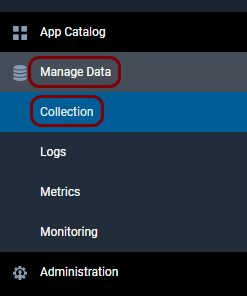
-
In the top-right corner of the Collection pane, click on the Setup
Wizard link.

-
Hover your mouse cursor over the Integrate with Sumo Logic tile, and then click on the
Get Started button.
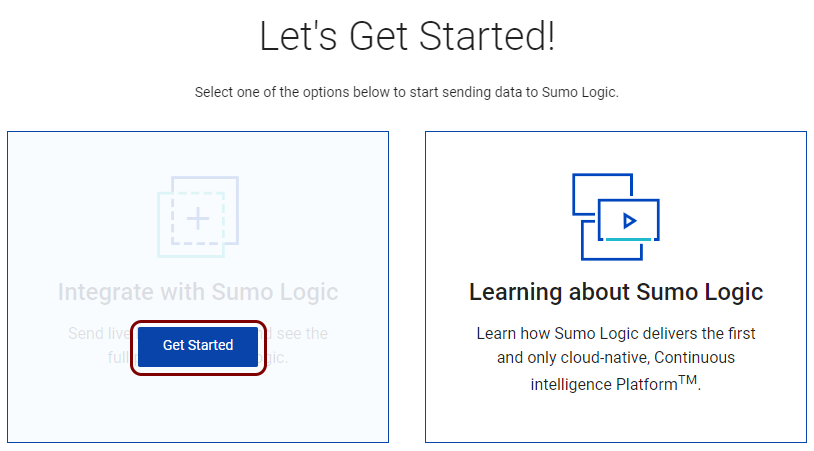
-
On the Select Data Type screen, scroll all the way down, and then click on the All
Other Sources tile.
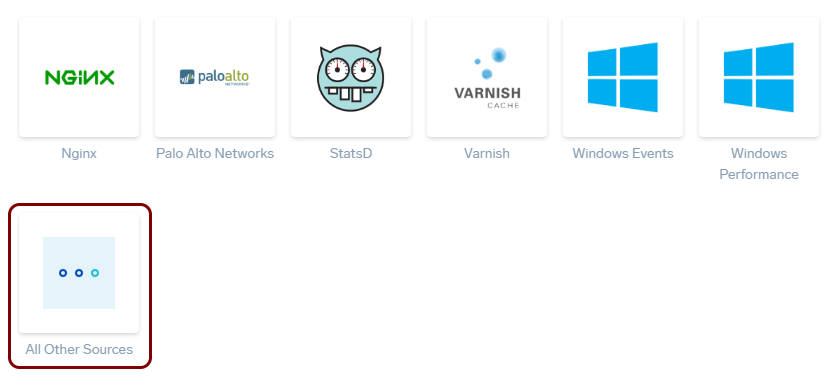
-
On the Set Up Collection screen, click on the HTTPS Source tile.
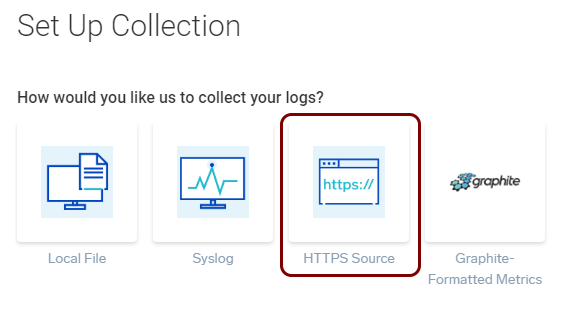
-
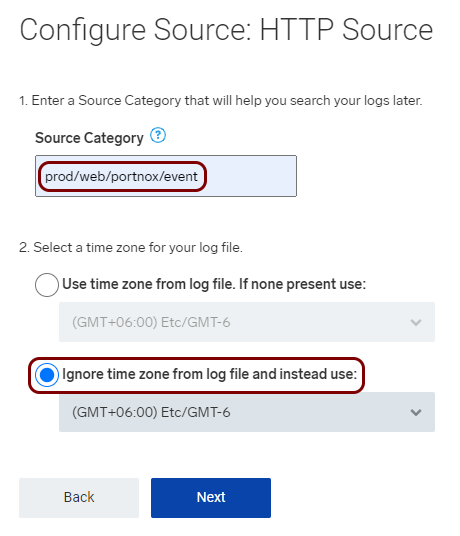
On the Configure Source: HTTP Source screen, do the following:
-
In the next step of the Configure Source: HTTP Source screen, click on the
Copy button to copy the HTTP source URL. Then, click on the Next
button.
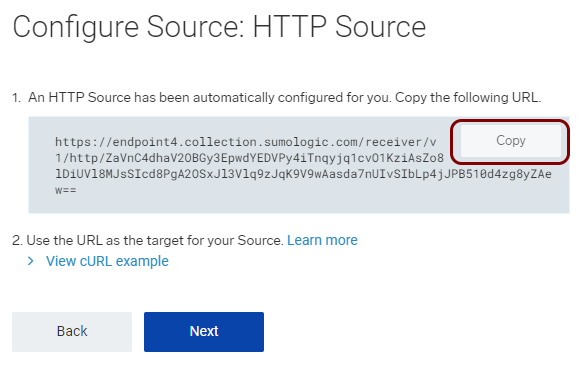
Save the copied value in a text file. You will need this value to configure Portnox Cloud.
Result: The collector is running.

Configure Portnox Cloud
In this section, you will learn how to configure Portnox™ Cloud to send alert data to the Sumo Logic collector.
-
In the Cloud portal top menu, click on the Settings option.

-
In the Cloud portal left-hand menu, click on the option.
-
Create a new SIEM integration with Sumo Logic.
-
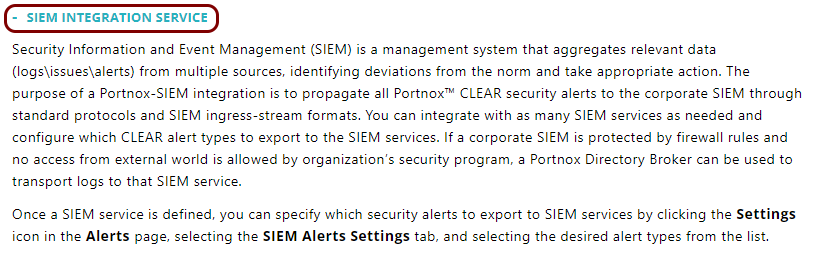
In the SIEM integration service section, click on the Add a new SIEM
integration link.
The New SIEM integration section opens.
-
In the Integration type field, select the Custom
option.

-
In the Name field, enter the name for the new integration.

In this example, we used the name Sumo Logic but you can use any name you like.
-
In the Status field, select the Enabled option.

-
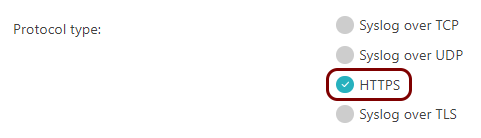
In the Protocol type field, select the HTTPS option.
-
In the Endpoint url field, paste the HTTP source URL that you copied earlier when
setting up the Sumo Logic collector.
Note:Make sure to paste the entire URL together with the authentication token at the end.

-
In the Authentication token field, paste the token part of the HTTP source URL that
you copied earlier when setting up the Sumo Logic collector.
Note:The token is simply the part of the URL that is after the last slash (/).

-
In the Data format field, select the JSON option.

-
Click on the Save button to add the integration.

- Optional:
Test the configuration by clicking on the Test button.

-
In the SIEM integration service section, click on the Add a new SIEM
integration link.
- Optional:
To configure the types of alerts sent to your SIEM solution, see the following topic: Portnox Cloud alerts.
Note:To learn more about the content and format of alert messages sent to SIEM solutions, see the following topic: Format and content of alert information for SIEM.
You can also send all of the Portnox Cloud activity log (activities performed by administrators in Portnox Cloud) to your SIEM solution. To do this, go to , activate the Activity log switch, and click on the Save button.
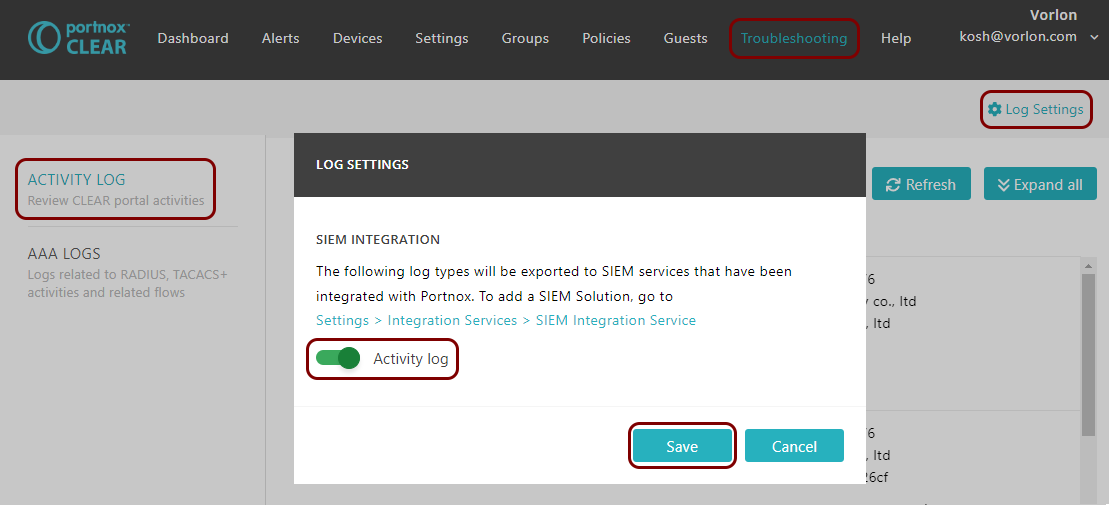
Result: Sumo Logic is receiving alerts from Portnox Cloud.
You can confirm that, for example, by running a query _collector="HTTP".
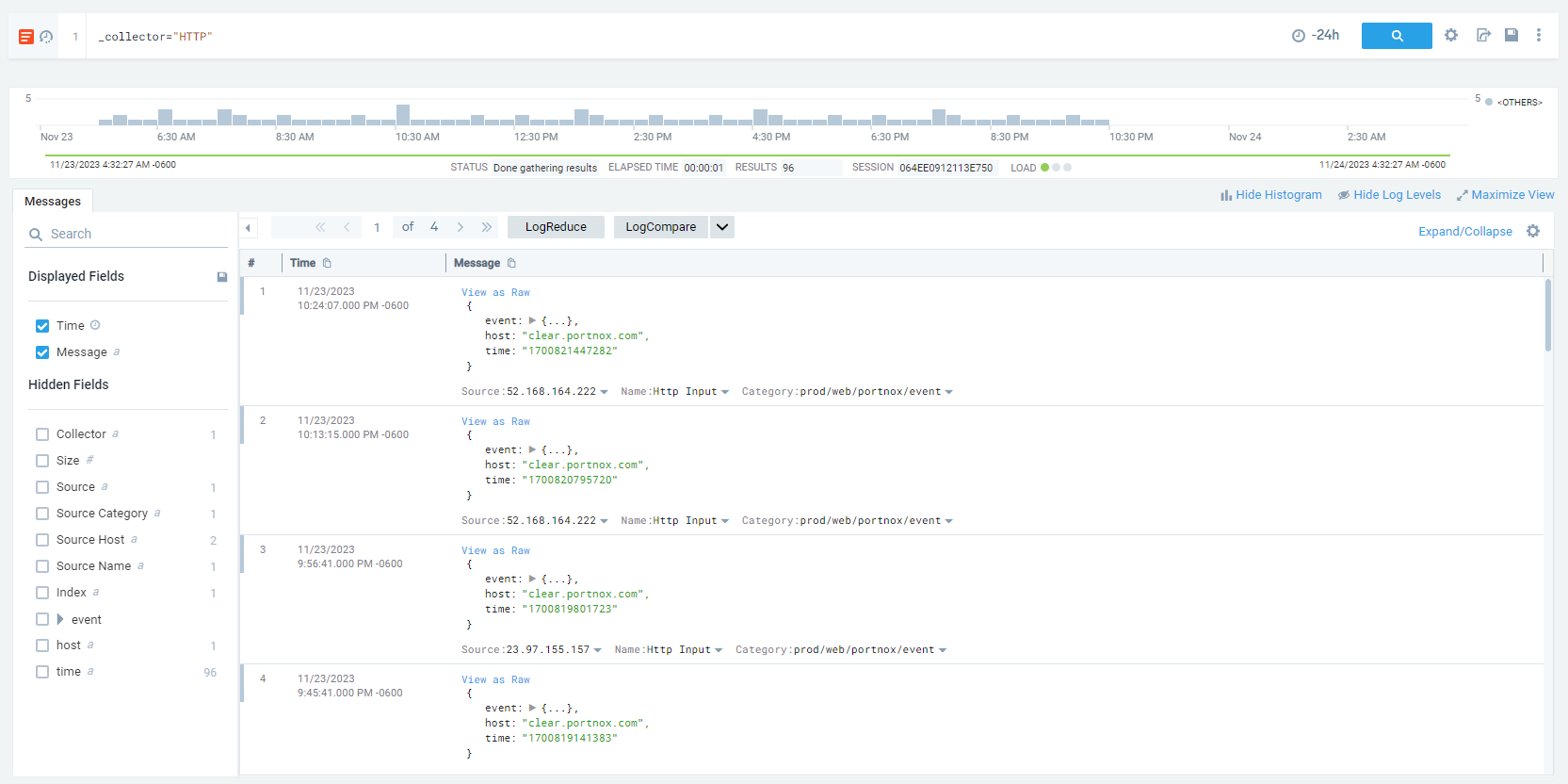
If you cannot see any events when searching, this is usually to the differences in time zones. Try the following fixes:
-
In the Collection tab, Edit the collector and deactivate the checkbox: .
-
In the search tab, click on the ⚙ icon and select the Use Receipt Time option.